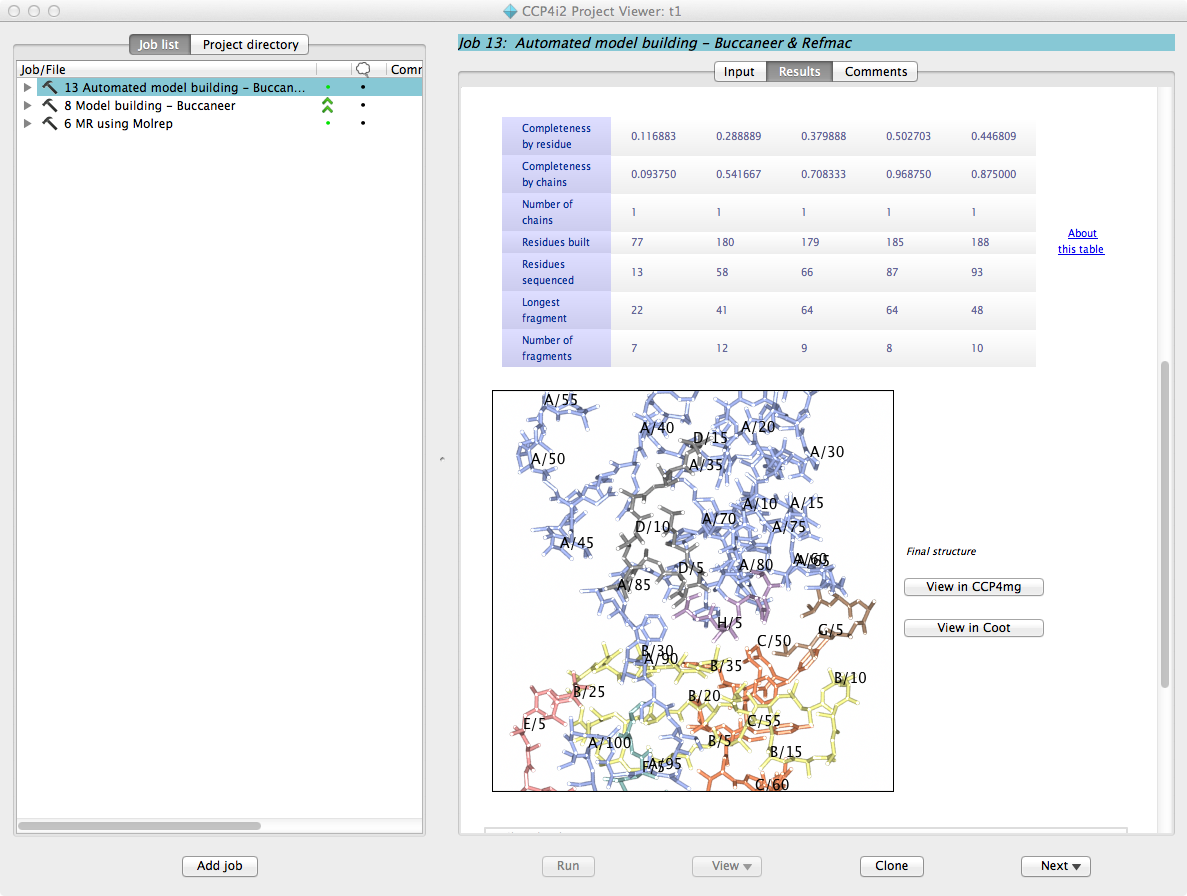
Introducing CCP4I2
Liz
Potterton, March 2012
Here are a few screenshots of
the new CCP4 GUI to give some idea how it will appear to crystallographers.
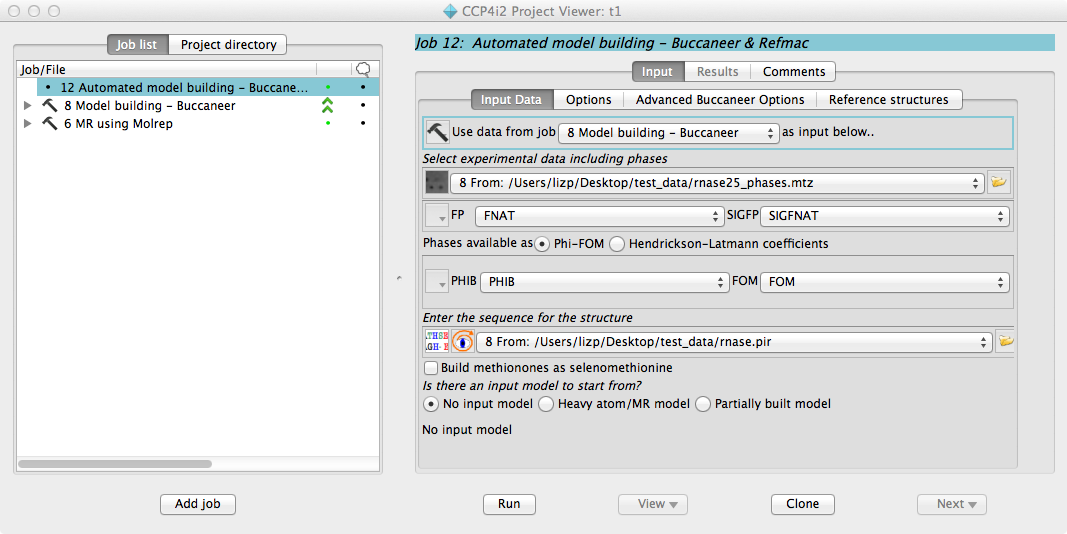
The main window of CCP4i2
with an overview of the jobs in the project on the left and an interface to
starting an automatic model building job on the right. After this job is
started the user can follow its progress.
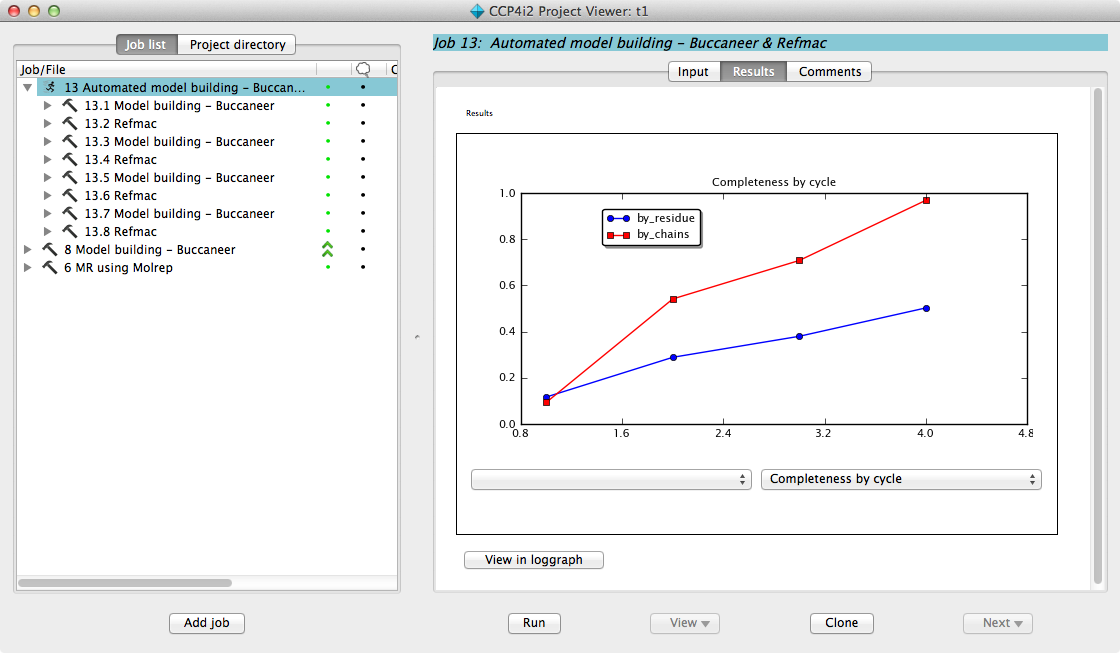
The Buccaneer and Refmac
sub-jobs are shown in the project window on the left and a job report is
updated in real-time on the right. In this case the job report shows a graph of
model completeness with cycle. When the job completes a fuller report is presented
with graphs, tables, pictures, links and hints for what to do next.